
Databases
Resources
-
 Project - Overview and Rubric
(opens in new window)
Be sure to use the rubric as a guide while you work.
Project - Overview and Rubric
(opens in new window)
Be sure to use the rubric as a guide while you work.
-
Graphic Organizer
(opens in new window)
-
Works Cited Format
(opens in new window)
Be sure to use this guide to help you when citing your images and sources. Be sure to pay close attention to the models.
-
Presentation Models and Instructions
(opens in new window)
This has links to models and tutorials for each presentation option. It also has instrutions for how to turn in your project to Classroom. You can always see Mrs. Freeman on Thursday or Friday for presentation support!
Presentation Creation Possibilities
If you wish to use any of these, you can easily create a free account by signing in with Google. They will all give that option. Quick tutorials can help you out, but they are pretty self-explanatory!
-
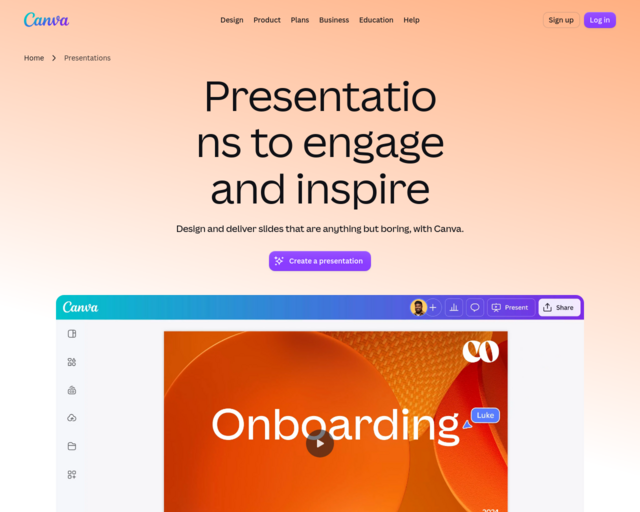 Canva Presentations
(opens in new window)
Presentations
Canva Presentations
(opens in new window)
Presentations
-
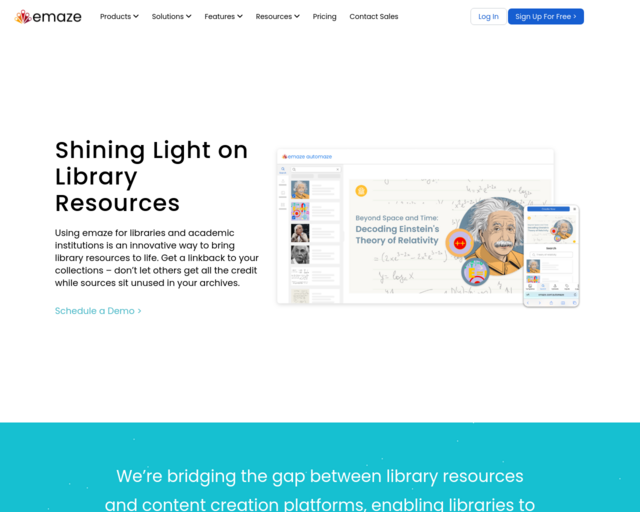 emaze
(opens in new window)
Dynamic Presentations
emaze
(opens in new window)
Dynamic Presentations
-
 Prezi
(opens in new window)
Dynamic Presentations
Prezi
(opens in new window)
Dynamic Presentations
-
 Adobe Spark
(opens in new window)
Video, Slideshow, Narration
Adobe Spark
(opens in new window)
Video, Slideshow, Narration
-
 WeVideo
(opens in new window)
You can also use Corel, iMovie, etc...
WeVideo
(opens in new window)
You can also use Corel, iMovie, etc...
-
 PowToon
(opens in new window)
Animated Presentation
PowToon
(opens in new window)
Animated Presentation
-
 Pixton
(opens in new window)
Cartoon
Pixton
(opens in new window)
Cartoon
-
 LucidPress
(opens in new window)
Posters
LucidPress
(opens in new window)
Posters
-
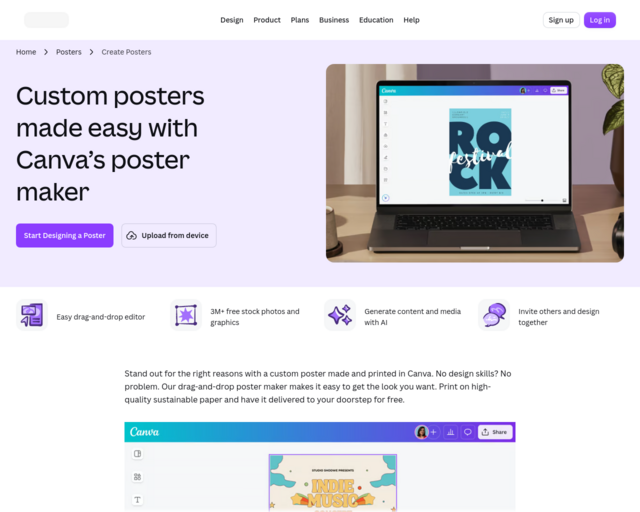 Canva
(opens in new window)
Posters
Canva
(opens in new window)
Posters
-
 VoiceThread
(opens in new window)
See Mrs. Freeman for VoiceThread information and a username and password. *Narrated Slideshow, Podcasts...
VoiceThread
(opens in new window)
See Mrs. Freeman for VoiceThread information and a username and password. *Narrated Slideshow, Podcasts...