
Organization Tips
Before beginning your research, take a moment to create a folder where you can store any articles you download and their "Permalinks" (from databases) or their Website URLs (from the Internet). <br> *Note: It is very important that you have these links for the last slide of your presentation. (You'll be doing minimal citation work, so these links are a must for Mrs. Young!)
Online Encyclopedia and Databases
-
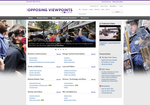 Gale: Opposing Viewpoints
*Do not use the Viewpoints section for this presentation. Your best bets here are: Reference and Biography sections. <br>
*To get the Permalink: Click on the image of the chain that reads "Get Link."
Gale: Opposing Viewpoints
*Do not use the Viewpoints section for this presentation. Your best bets here are: Reference and Biography sections. <br>
*To get the Permalink: Click on the image of the chain that reads "Get Link."
-
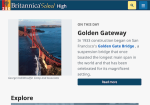 Britannica High School
*To get the Permalink: Click on the citation box (the square with the check mark) and copy the address to save in your drive (on a document devoted to links to resources used).
Britannica High School
*To get the Permalink: Click on the citation box (the square with the check mark) and copy the address to save in your drive (on a document devoted to links to resources used).
eBooks
Websites
*Use only websites/organizations you come across in your reading from our databases and eBooks and/or have checked in on with Mrs. Young or Mrs. Freeman. *If you use a reputable website from the internet, you need to copy the URL from each page from which you are using information.
-
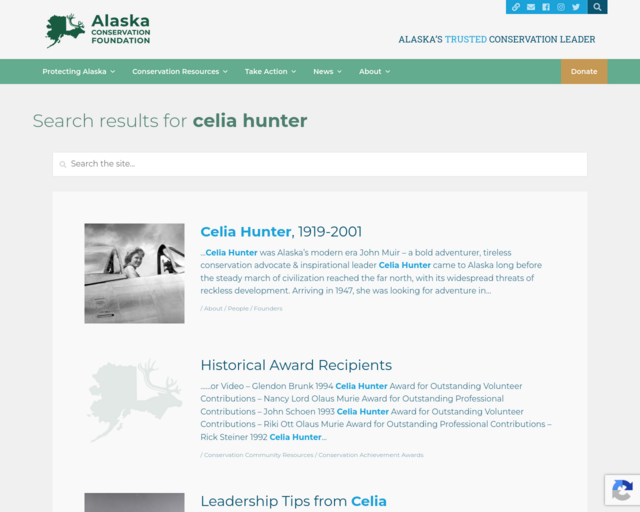 Alaska Conservation Foundation
(opens in new window)
Celia Hunter
Alaska Conservation Foundation
(opens in new window)
Celia Hunter
-
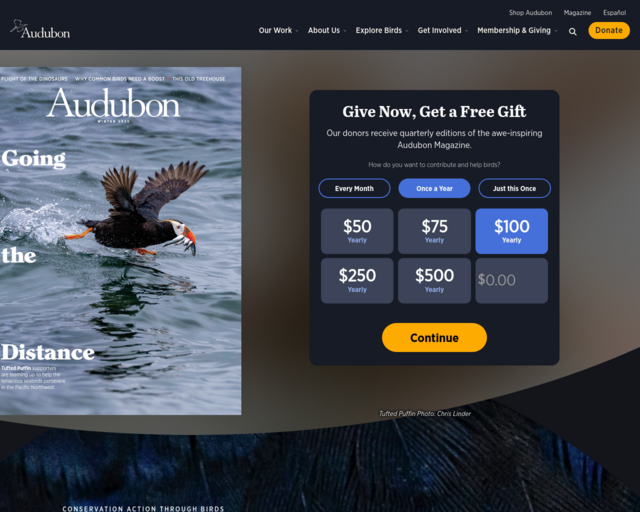 Audubon Society
(opens in new window)
Rosalie Edge "Getting Over Rosalie"
Audubon Society
(opens in new window)
Rosalie Edge "Getting Over Rosalie"
-
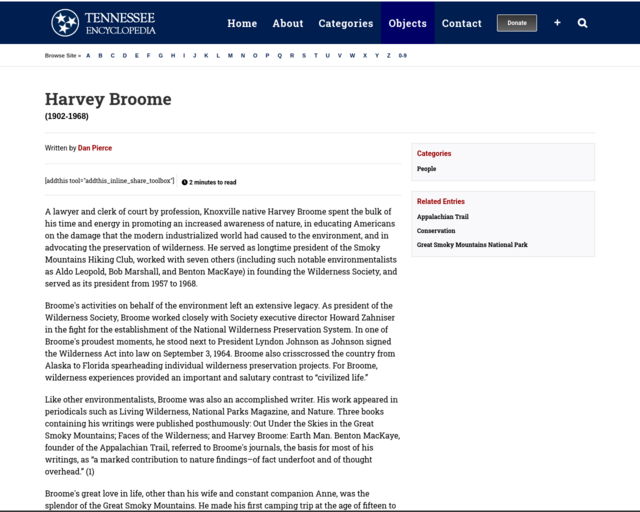 Tennesee Encyclopedia
(opens in new window)
Not crowd sourced. Developed and maintained by the Tennessee Historic Society.
<br> <br>
*Harvey Broome
Tennesee Encyclopedia
(opens in new window)
Not crowd sourced. Developed and maintained by the Tennessee Historic Society.
<br> <br>
*Harvey Broome
-
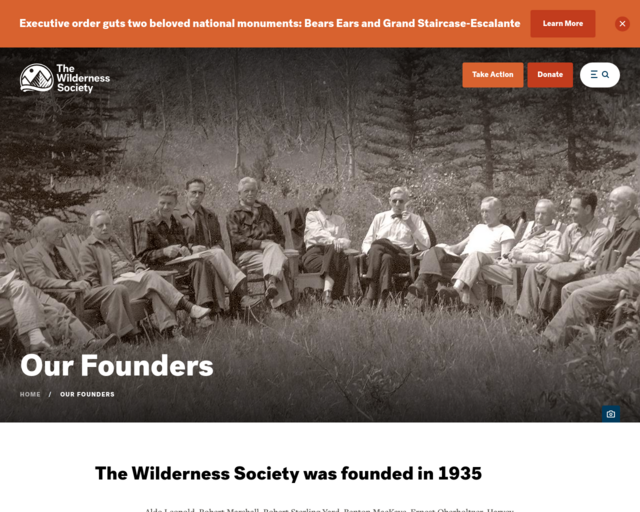 Wilderness Society - Our Founders
(opens in new window)
*Robert (Bob) Marshall <br>
*Robert Sterling Yard <br>
*Harvey Broome <br>
*Benton MacKaye <br>
*Aldo Leopold <br>
*Magnifier to search for others such as Zahniser, Mardy Murie, etc.
Wilderness Society - Our Founders
(opens in new window)
*Robert (Bob) Marshall <br>
*Robert Sterling Yard <br>
*Harvey Broome <br>
*Benton MacKaye <br>
*Aldo Leopold <br>
*Magnifier to search for others such as Zahniser, Mardy Murie, etc.
-
 PBS American Experience
(opens in new window)
Theodore Roosevelt and the Environment
PBS American Experience
(opens in new window)
Theodore Roosevelt and the Environment
-
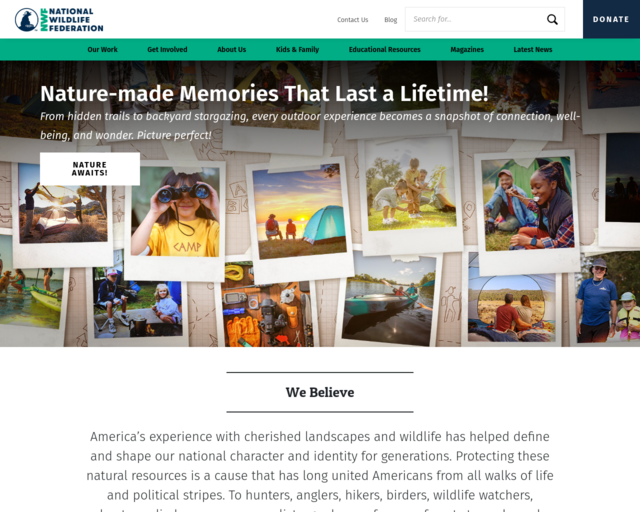 National Wildlife Federation
(opens in new window)
National Wildlife Federation
(opens in new window)
Image Use
*You can feel free to use images embedded in Database Resources as long as you list the Peramalink from that source.<br> and<br> *You may use images from internet resources (reputable online organizations directly related to your selected environmentalist) as long as you create a direct link to that image in your resources slide.
Running Resource List - Model

Canva Help
-
 Thomas Garetz - How to make a Presentation in Canva (Free and Easy)
(opens in new window)
For Everyone: This is a 9 minute tutorial. This guy uses words such as "like" and "super" a lot, but he has 165K followers for a reason. He gives the most important information you need in a quick and efficient manner. *Note, you can ignore the part where he converts it to PowerPoint, but pay attention to the importance of selecting "free" items, and downloading as a pdf.
Thomas Garetz - How to make a Presentation in Canva (Free and Easy)
(opens in new window)
For Everyone: This is a 9 minute tutorial. This guy uses words such as "like" and "super" a lot, but he has 165K followers for a reason. He gives the most important information you need in a quick and efficient manner. *Note, you can ignore the part where he converts it to PowerPoint, but pay attention to the importance of selecting "free" items, and downloading as a pdf.
-
 Presentations to Impress from the Experts
(opens in new window)
For the Overachievers: This is a short series of four 3-4 minute videos created by Canva to help us create excellent presentations. You can watch all 4 of them or pick and choose. Either way, you'll pick up on some good techniques.
Presentations to Impress from the Experts
(opens in new window)
For the Overachievers: This is a short series of four 3-4 minute videos created by Canva to help us create excellent presentations. You can watch all 4 of them or pick and choose. Either way, you'll pick up on some good techniques.